Monitore seu progresso IB com o painel de parceiros Eurotrader
Como um Introducing Broker (IB) com a Eurotrader, você pode visualizar rapidamente seu desempenho, atividade do cliente e ganhos — tudo em um só lugar: o painel principal do Partner Portal.
Depois de fazer login, seu painel oferece uma visão geral instantânea de seus resultados.
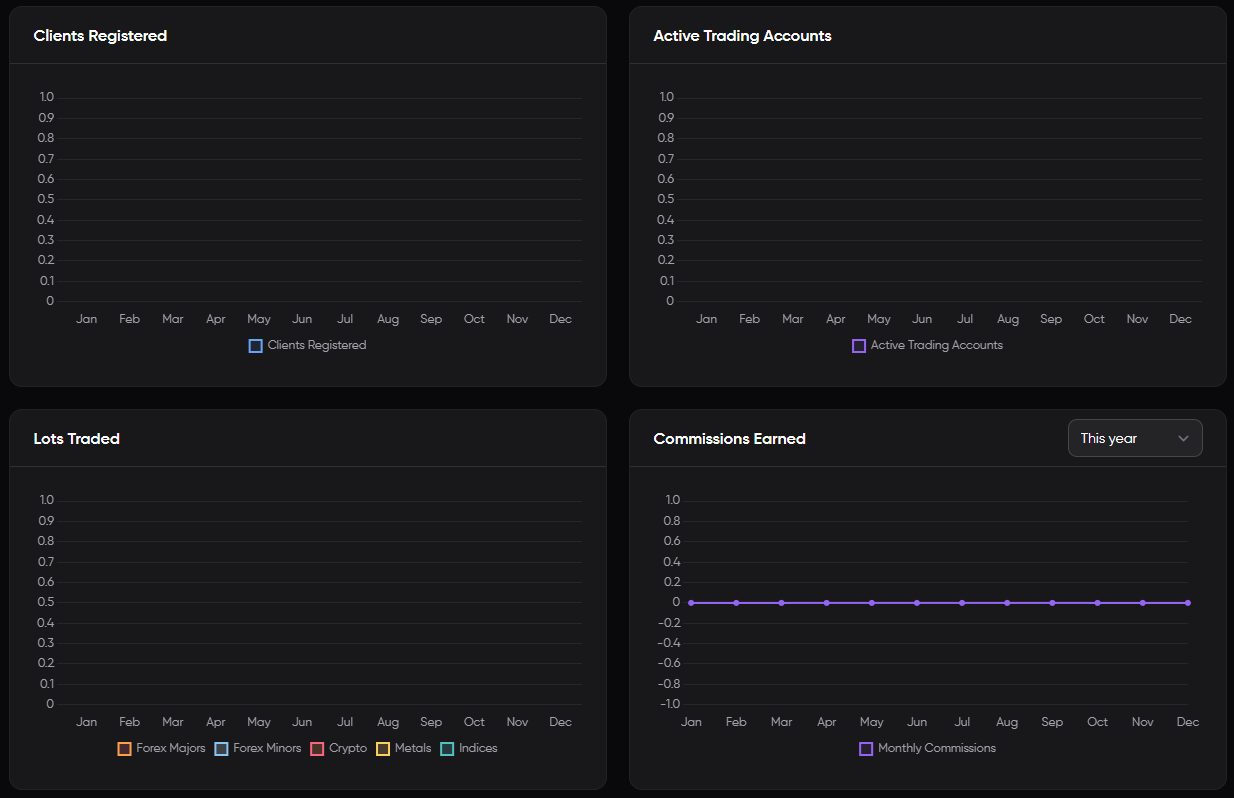
O que você verá no painel principal
Depois de fazer login no Partner Portal, seu painel principal fornece um instantâneo claro do desempenho do seu IB, incluindo:
Clientes Cadastrados
O número total de clientes que você indicou com sucesso à Eurotrader.
Contas De Negociação Ativas
O número de clientes indicados que financiaram suas contas e começaram a negociar.
Lotes Negociados
O volume total negociado por seus clientes indicados, medido em lotes. Isso ajuda você a acompanhar a atividade de negociação e os ganhos potenciais de comissão.
Comissões Ganhas
Seus ganhos totais como IB, com base na atividade de negociação de seus clientes. Esse número é atualizado em tempo real à medida que as negociações são executadas.
💡O painel permite filtrar resultados por período de tempo (último mês, Últimos 3 meses, Este ano).
Acessando Seu Painel
- Faça login no Portal de parceiros Eurotrader.
- Na página inicial, você acessará diretamente o painel principal.
- Use as ferramentas e filtros disponíveis para monitorar seu desempenho.
Precisa De Ajuda Para Entender Suas Estatísticas?
Se você tiver alguma dúvida sobre seus números ou precisar de Ajuda para otimizar seu desempenho, entre em contato com seu gerente eurotrader IB dedicado. Estamos aqui para apoiar o seu sucesso.
