Monitor Your IB Progress with the Eurotrader Partner Dashboard
As an Introducing Broker (IB) with Eurotrader, you can quickly view your performance, client activity, and earnings — all in one place: the Main Dashboard of the Partner Portal.
Once you log in, your dashboard gives you an instant overview of your results.
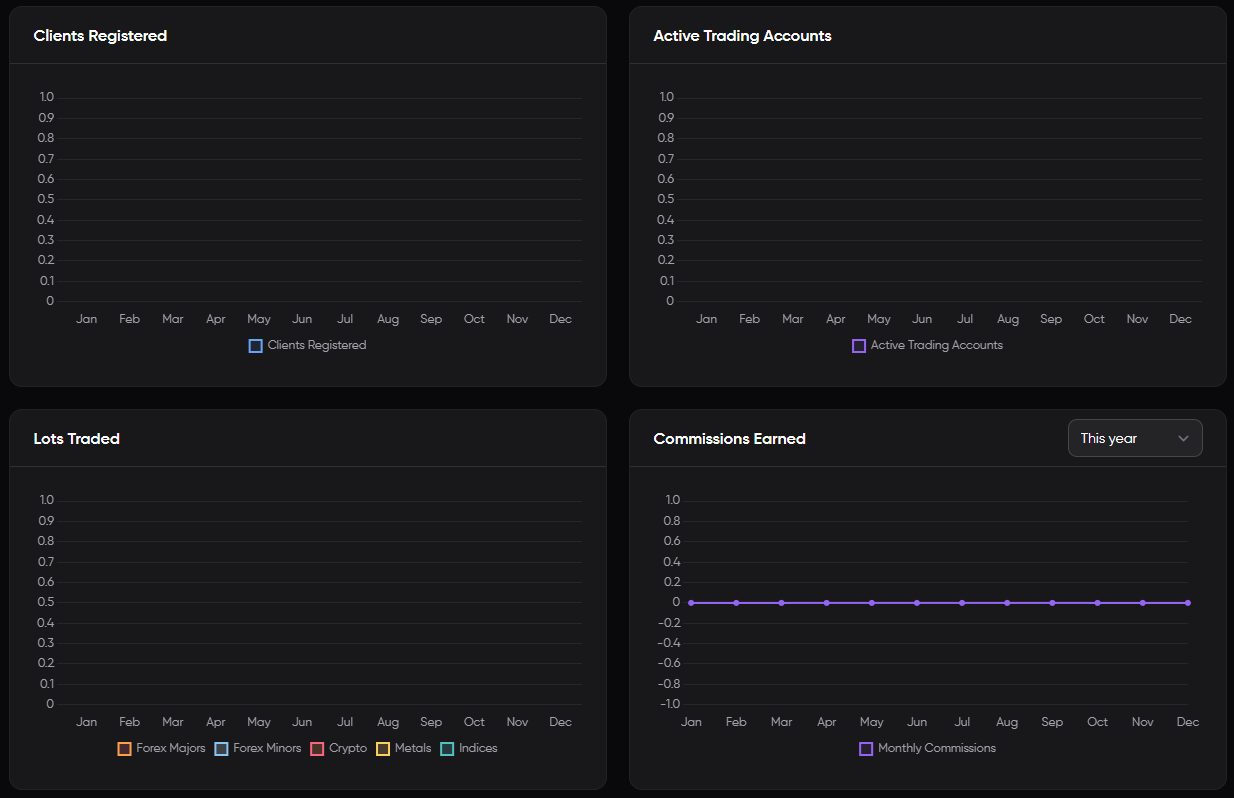
What You’ll See in the Main Dashboard
After logging into the Partner Portal, your Main Dashboard gives you a clear snapshot of your IB performance, including:
Clients Registered
The total number of clients you have successfully referred to Eurotrader.
Active Trading Accounts
The number of referred clients who have funded their accounts and started trading.
Lots Traded
The total volume traded by your referred clients, measured in lots. This helps you track trading activity and potential commission earnings.
Commissions Earned
Your total earnings as an IB, based on the trading activity of your clients. This figure updates in real-time as trades are executed.
💡The dashboard allows you to filter results by Time period (last month, last 3 months, this year).
Accessing Your Dashboard
-
Log in to the Eurotrader Partner Portal.
-
On the homepage, you’ll land directly on the Main Dashboard.
-
Use the available tools and filters to monitor your performance.
Need Help Understanding Your Stats?
If you have any questions about your numbers or need help optimizing your performance, reach out to your dedicated Eurotrader IB Manager. We’re here to support your success.
