Creating your Eurotrader account is fast, simple, and designed to take only a few minutes. This friendly guide walks you through every step — from opening the form to completing verification with clear explanations.
Step 1: Visit the Eurotrader Website
- Go to the official Eurotrader website.
- Click “Sign Up” or “Register” at the top-right corner.
Step 2: Enter Your Basic Information
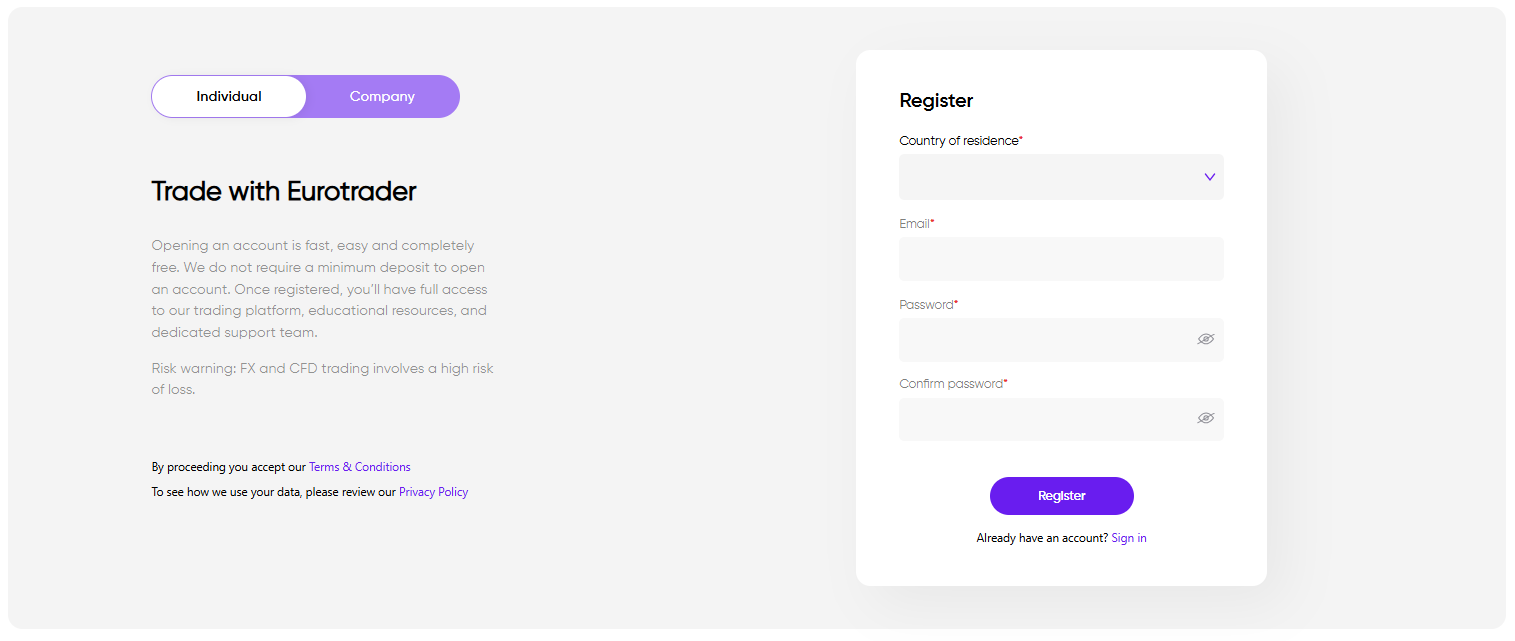
Fill out the initial registration form with the following required fields:
- Country of Residence*
Select your current residential country. - Email
Enter a valid email you can access. - Password
Create a secure password for your account. - Confirm Password
Re-enter your password correctly.
After completing the form, click “Continue” to proceed.
To activate your new profile open the email titled “Verify Your Email – Eurotrader”.

Step 3: Complete Your Profile Information
To comply with global financial regulations and ensure a safe trading environment, you must complete your profile. This section is divided into four parts:
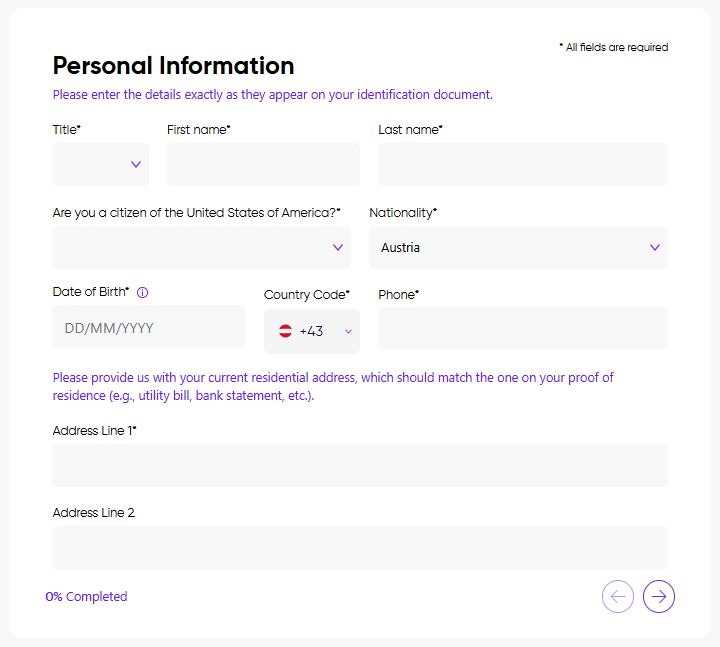
1. Personal Information
Provide accurate personal details, including:
- Full legal name
- Date of birth
- Residential address
- Contact number and more
Ensure these match your identification documents.
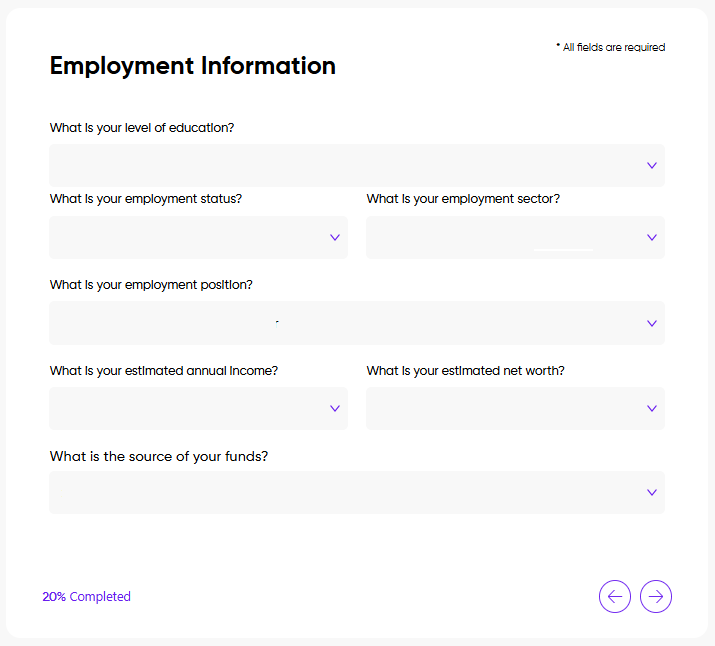
2. Employment Information
Provide general employment and financial background, such as:
- Employment status
- Occupation or industry
- Source of funds
This information supports regulatory suitability checks.
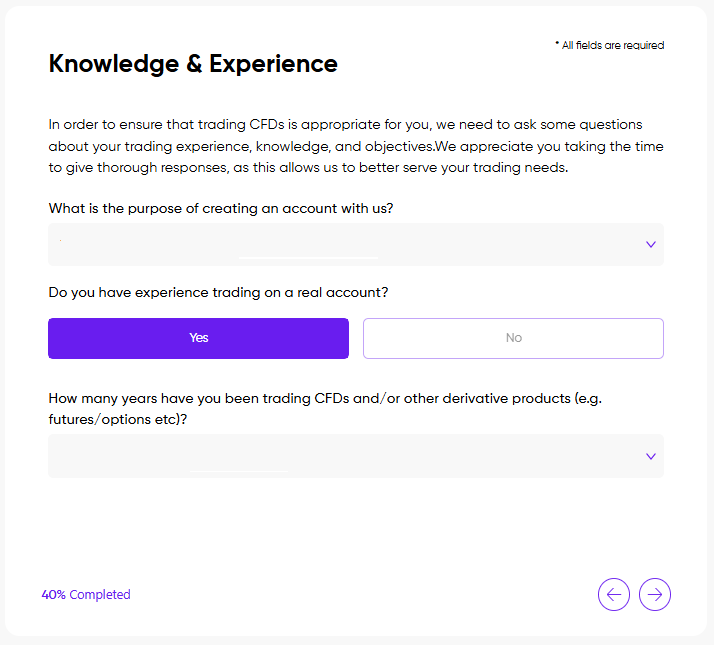
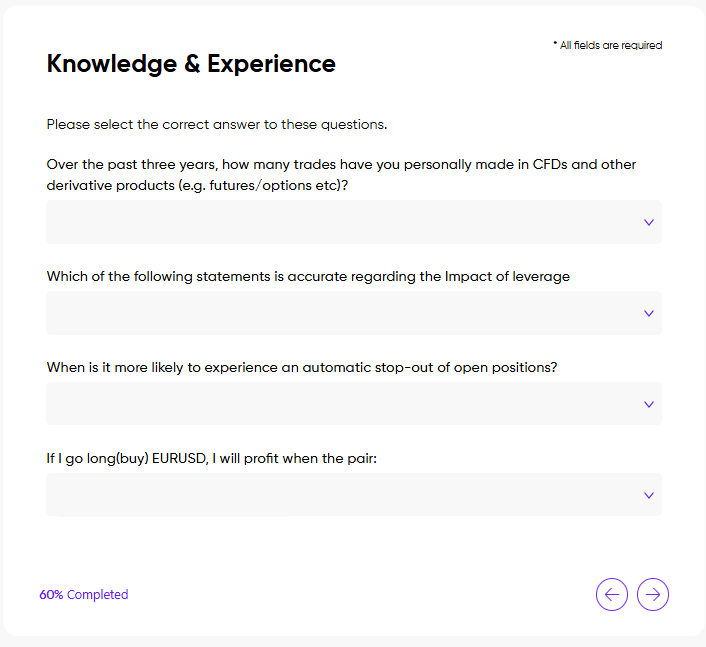
3. Knowledge & Experience
Answer questions regarding your:
- Trading history
- Familiarity with leveraged instruments
- Overall investment experience
This helps Eurotrader assess whether the services are appropriate for you.
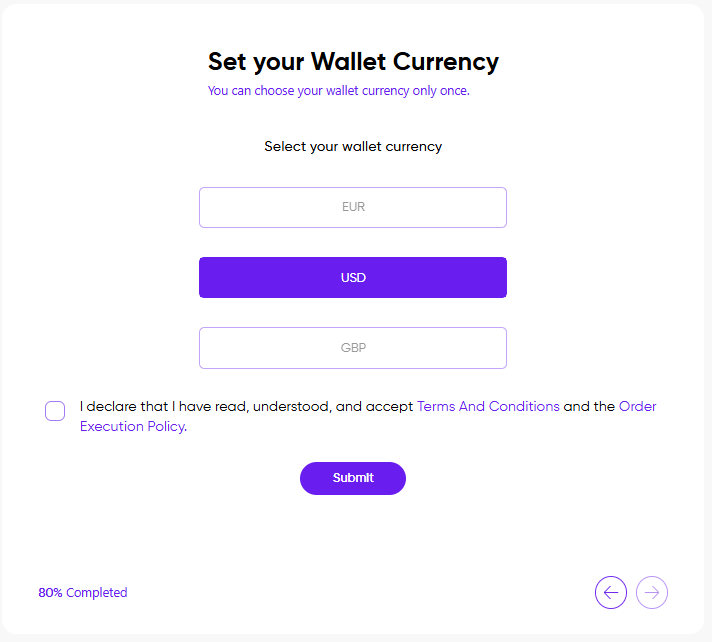
4. Set Your Wallet Currency
Choose the base currency for your wallet.
This currency will be used for deposits, withdrawals, and balances.
Confirmation
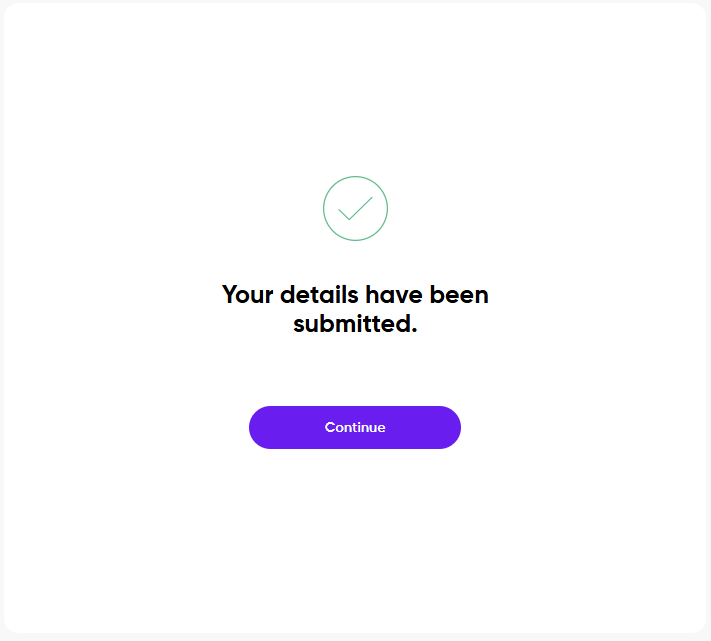
After completing all profile fields, you will see:
“Your details have been submitted.”
Need Assistance? We're Here to Help
If you need help at any stage, our multilingual support team is always available to assist you.
Open an account with Eurotrader today and start trading with confidence.
