Opening a trading account with Eurotrader is quick and straightforward through the Client Area. Clients can create both Live and Demo accounts directly from the Dashboard, depending on their trading needs and experience level.
This guide explains each step of the process.
How to Create a New Trading Account
-
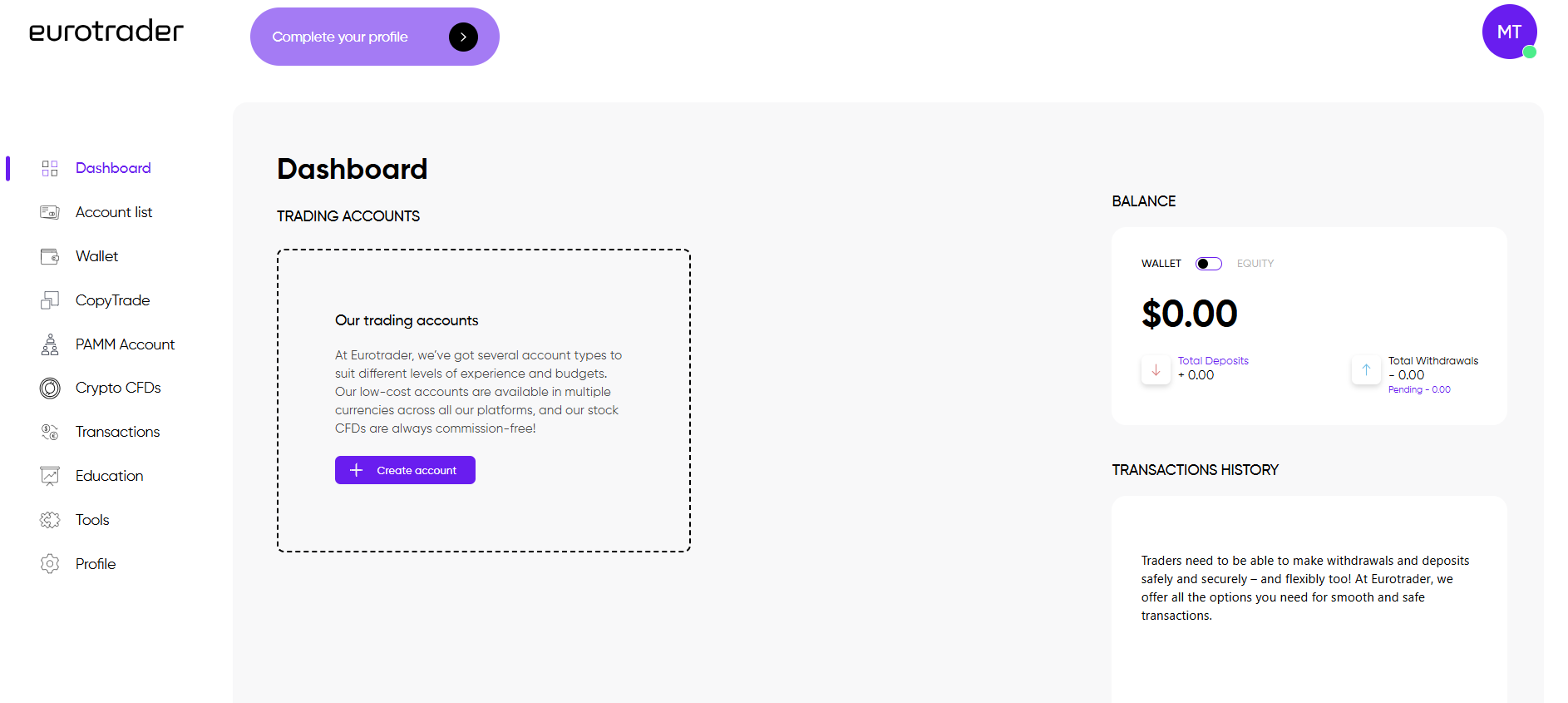
Log in to your Client Area.
-
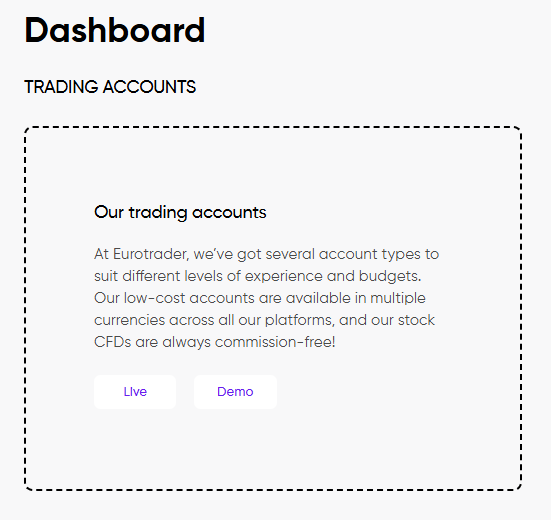
In the Dashboard section, click the Create Account button.
Creating a Live Trading Account
-
Select Live Account.
-
Choose your preferred trading platform (e.g., MetaTrader).
-
Select the account currency.
-
Choose the account type, based on your trading strategy and leverage preferences.
-
You can find detailed information about each account type here:
Account Types | Eurotrader
-
-
Select the leverage.
-
Click Done to complete the process.
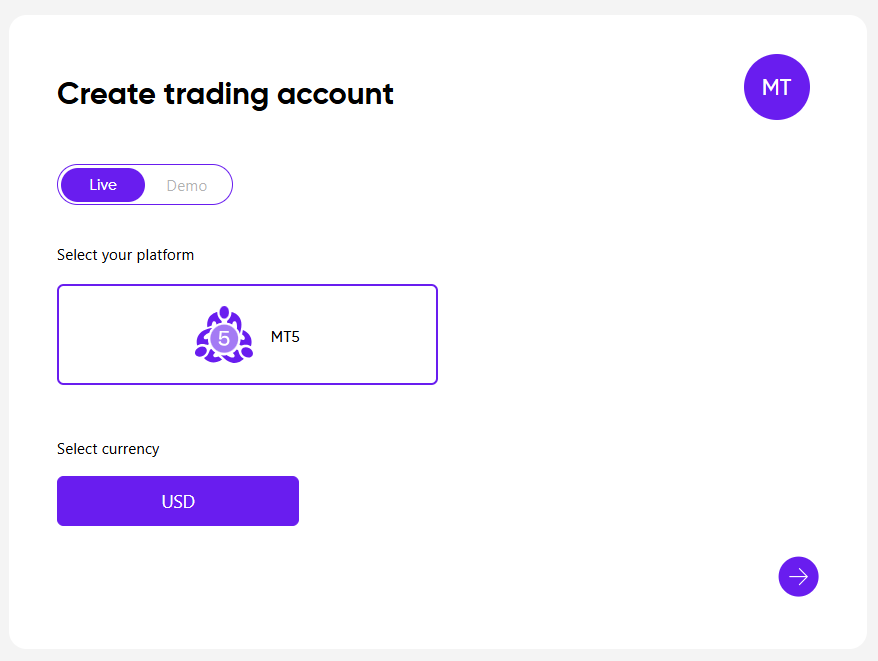

Your live trading account will be created instantly and visible in your Dashboard. All credentials will be sent via email.
Creating a Demo Trading Account
-
Select Demo Account.
-
Choose the trading platform.
-
Select the account currency.
-
Choose the account type.
-
Select the leverage.
-
Choose the virtual balance you would like to trade with.
-
Click Done to finalize the setup.
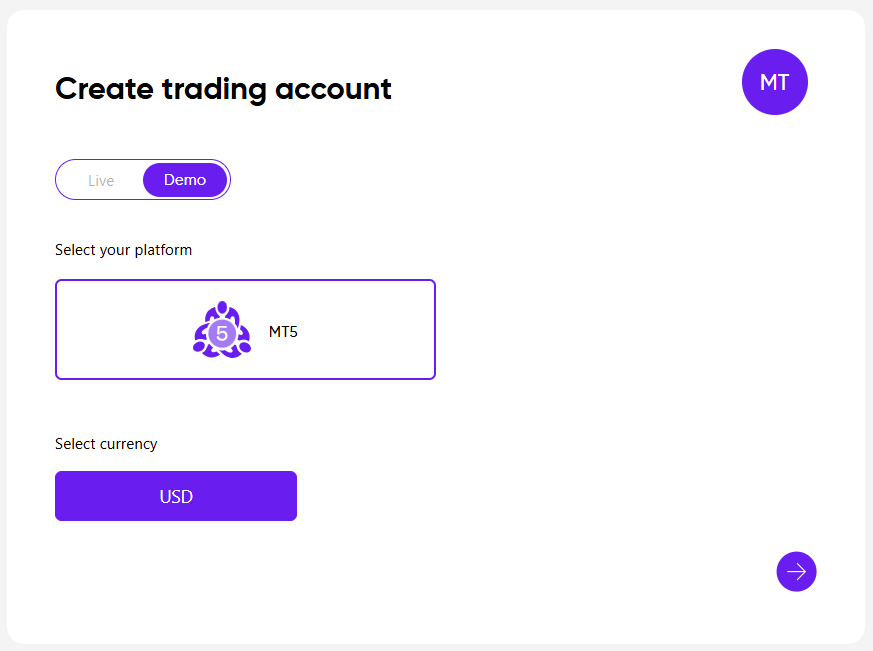
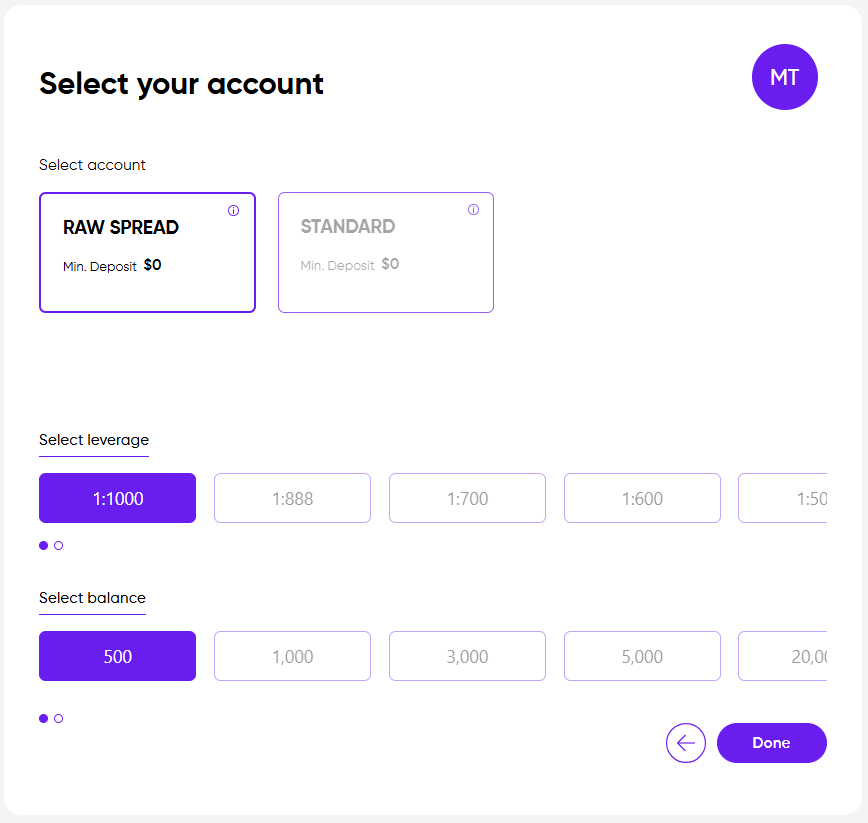
The demo account will appear immediately in your Dashboard.
Notes:
- By default, clients can open Live and Demo MT5 accounts in USD directly from the Dashboard.
- To open an MT4 account, and/or an account in a different currency, please contact our Client Service team through the email [email protected]
Open an account with Eurotrader today and start trading with confidence.
