
At Eurotrader, connecting or disconnecting from a PAMM Money Manager is a seamless process designed to put you in full control of your investment journey. Whether you're ready to start following a trading strategy or wish to reallocate your funds, everything can be done in just a few steps.
Connecting to a Money Manager
To begin investing with a PAMM Money Manager, follow these steps:
1. Open an Investor Account
Log in to your Eurotrader Dashboard and click “CREATE LIVE ACCOUNT”. Choose your preferred currency, select the account type "STANDARD" or "RAW SPREAD" for MT4 and set your desired leverage
2. Fund Your Account
Deposit funds into your new Investor account to activate your balance.
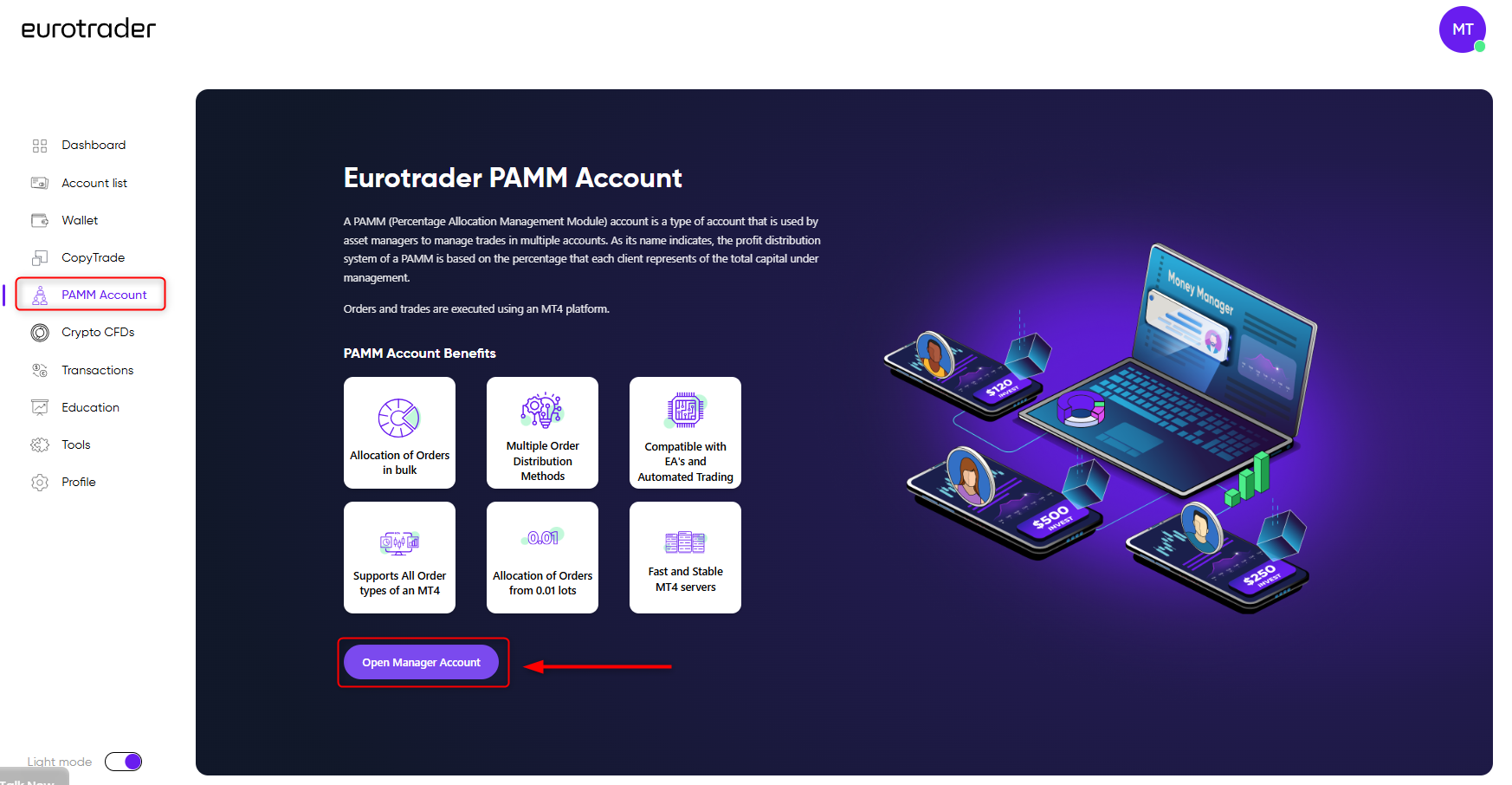
Once you activate your account, you can start the process to connect to a PAMM manager. Go to "PAMM Account" section on your Dashboard and click "Open Manager Account".
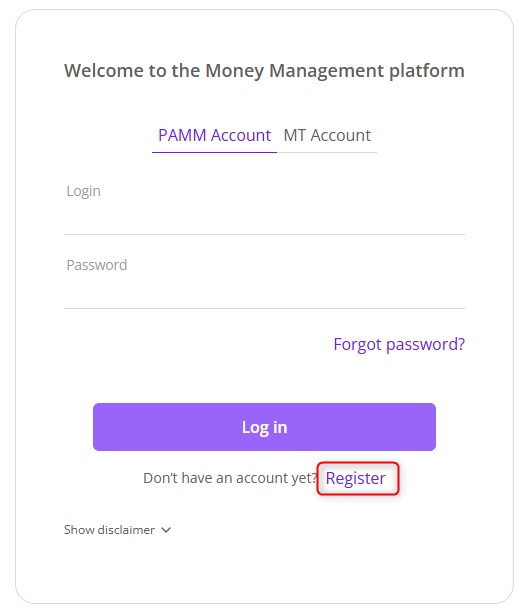
- On PAMM portal click "Register" and start the process of registration as Money Manager.
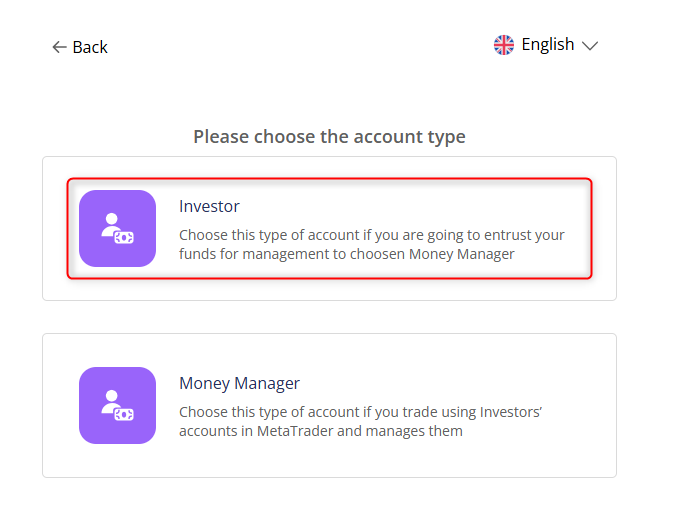
Note: Check your Email where you’ll receive the confirmation of registration in our PAMM system, including your ID and the link of the PAMM portal.
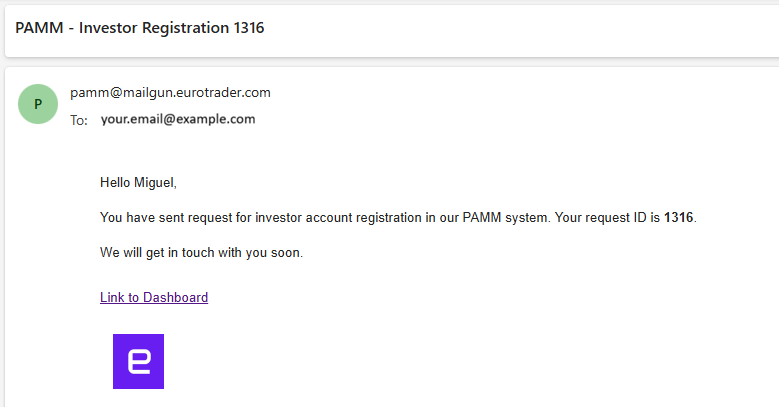
Additional, you will receive an email, which includes login details and a direct link to your PAMM portal.
3. Explore the PAMM Portal
Log into the PAMM portal and navigate through:
-
Dashboard – View overall account status
-
Money Manager – Browse available managers
-
Requests – Manage actions like connection/disconnection
5. Connect to a Manager
In the Money Manager section, explore trading strategies and statistics. Once you find a manager that matches your goals, click “CONNECT”.
Important:
After clicking CONNECT, you will receive an LPOA (Limited Power of Attorney) contract via email. Check your inbox and approve the agreement to finalize the connection.
6. Monitor Your Investment
Once connected, your Investor account is linked to the Money Manager’s trades. You can track your performance in real-time through the portal.
Disconnecting from a Money Manager
If you wish to end your connection with a PAMM Manager, here’s how:
1. Submit a Request
Send an email to [email protected] from your registered email address, indicating your wish to disconnect. No additional paperwork or conditions are required.
2. Wait for Confirmation
Once your request is processed, the Eurotrader team will disconnect your Investor account and confirm the action via email.
Eurotrader's support team is always ready to guide you through the process.
Sign up today and start exploring the potential of PAMM with Eurotrader.
